Speed
How fast the disc is moving just before it leaves your hand. Put a number to the pace of your throw.

CLIC / POWERED BY GAMEPROOFER™
Move one GameProofer sensor between your Clic-equipped discs. Keep throwing the discs you know.
$199 preorder · Free U.S. shippingOffer ends September 30, 2026.
MSRP · $249.99
Shipping is expected to begin October 1–10, 2026. Orders will be fulfilled in the order received. Ship dates are not guaranteed.
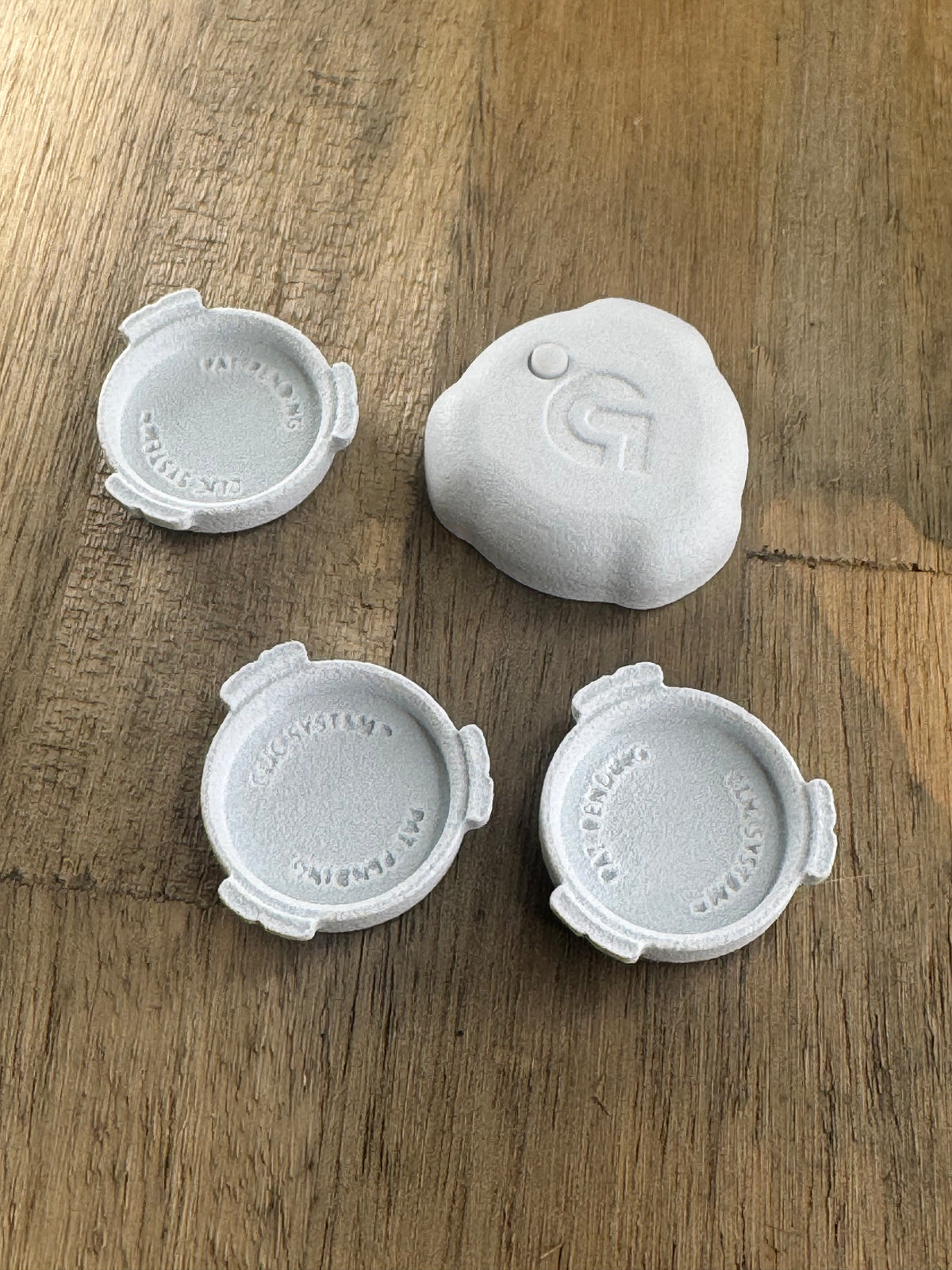
Equip any discs with Clic bases. The starter kit includes three.
Download the free GameProofer app and connect your disc to see your throw data. For optional simulator play, open Link Disc Golf.
Move the same sensor to your next Clic-equipped disc. The base stays with the disc.
Starter kit: 1 GameProofer sensor with Clic, 3 Clic bases, an installation kit, a quick-start guide, 1 CR1220 battery, and a QR code for 14 free days of Link Disc Golf Simulator. Discs shown in photos demonstrate Clic in use and are not included.
THE THROW, BROKEN DOWN
That one felt different. Find out how. GameProofer eTag measures six parts of your throw; Clic lets the sensor follow you from disc to disc.
How fast the disc is moving just before it leaves your hand. Put a number to the pace of your throw.
How quickly the disc rotates after release. See the spin you are putting on each throw.
How much the disc rocks or vibrates after release. Get a clearer read on how cleanly it leaves your hand.
The disc’s sideways tilt at release. Positive is hyzer; negative is anhyzer.
The nose-up or nose-down angle at release. Positive is nose up; negative is nose down.
The direction of your release relative to the horizon. Positive points upward; zero is level.
View your throw data in the free GameProofer app for iPhone or Android. Change one thing, throw again, and use the numbers to guide your next rep.
Keep your phone nearby with the app open. Let the throw data finish transferring before throwing again.
Measurements come from the GameProofer eTag and app. Clic is AVE’s interface for moving that sensor between equipped discs. See GameProofer’s eTag features
Clic is Avenue’s patent-pending interface and base system. GameProofer supplies the compatible sensor and measurement technology.
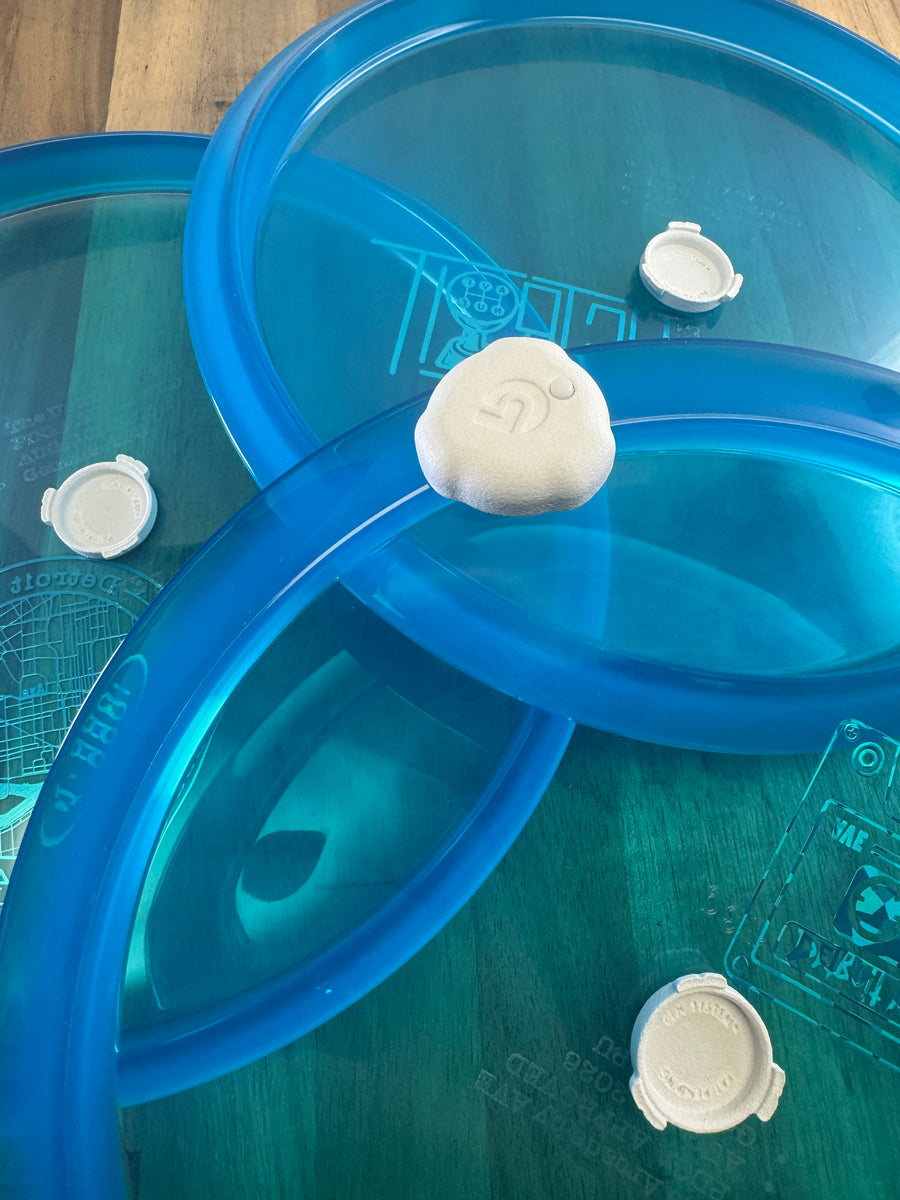
Use the free GameProofer app to connect your sensor, or set up Link Disc Golf Simulator for virtual rounds. Your kit includes a QR code for 14 free days of Link. A phone, gaming PC, display, and net are not included.
GameProofer sensor & app detailsBase packs extend a Clic setup. They do not include a sensor or the starter kit’s Clic interface.
CLIC + GAMEPROOFER / LINK SIMULATOR
See an Arcade disc flight in Link Disc Golf Simulator using Clic and GameProofer.
Simulator play is optional. Link requires a compatible gaming PC, a TV or projector, and a net with room to throw. These are not included in the Clic starter kit.
Simulator play is optional. You can use Clic with the free GameProofer app to measure your throws without a simulator. To play Link Disc Golf at home, add:
To run Link Disc Golf Simulator. Check Link’s current system requirements before setting up.
To see your virtual flight and play the course.
A disc golf throwing net with enough clear space for your setup.
Scan the QR code included in your starter kit for 14 free days of Link Disc Golf Simulator.